YouTube Music vs. Spotify: Better Music Streaming Service?

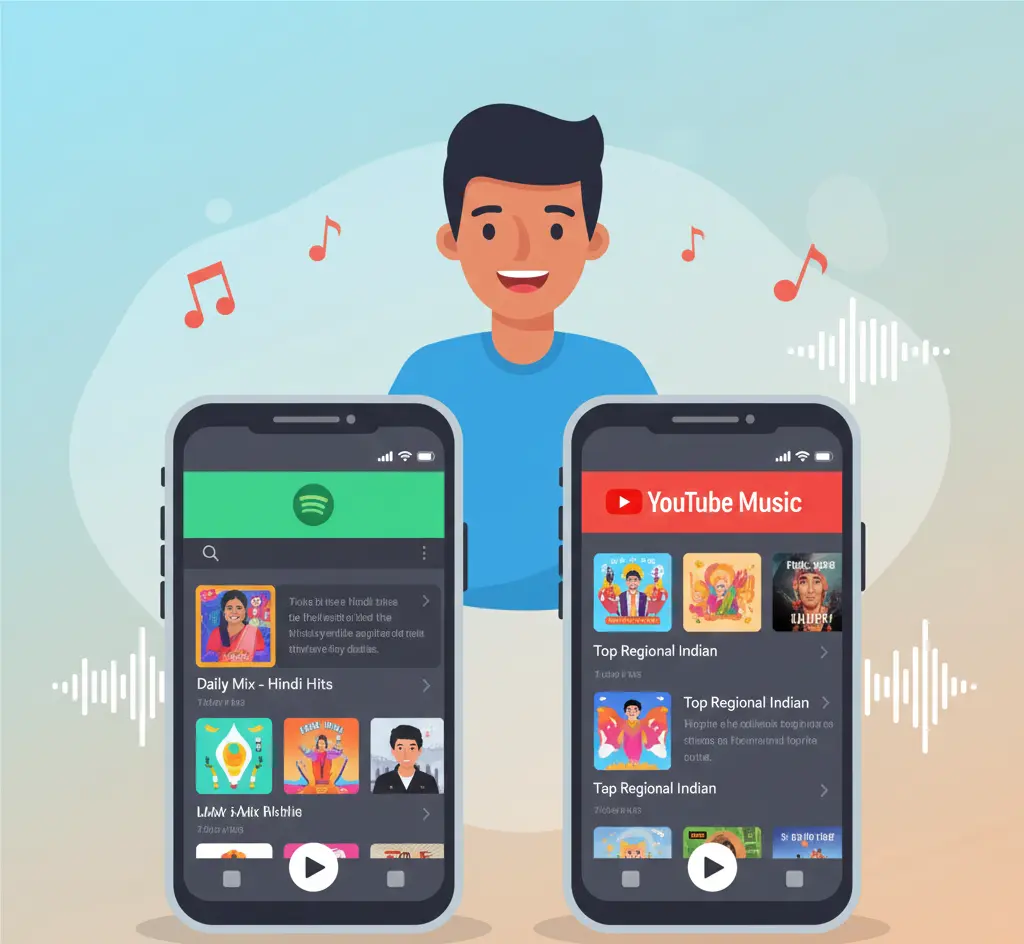
Choosing the right music app in India can be frustrating. I remember feeling lost when I first tried YouTube Music vs Spotify. Both promised millions of songs, but I often ran into problems. Playlists wouldn’t sync properly, offline downloads sometimes failed on slow networks, and finding regional songs like Hindi, Tamil, or Punjabi hits wasn’t easy. If you’ve ever faced the same issues, you know how annoying it can be to pay for a subscription and still feel limited.
After using both apps for over a year, I learned what works and what doesn’t. YouTube Music shines for trending songs and music videos, while Spotify excels at discovering new tracks and podcasts. In this article, I will share my personal experience, highlight key differences in pricing, regional music, audio quality, discovery, podcasts, and offline features. By the end, you’ll know exactly which app suits your music habits in India.

YouTube Music vs Spotify Price Comparison in India
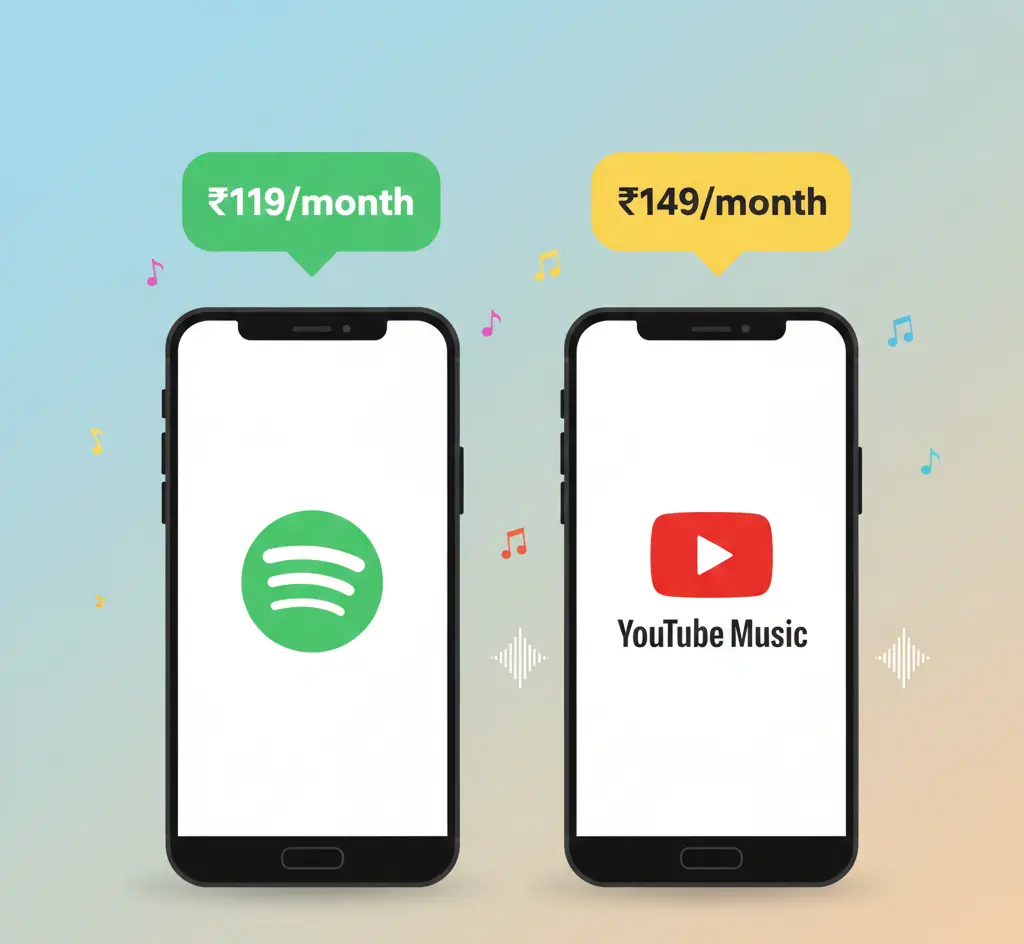
Here are the latest prices for 2026:
Spotify has a larger podcast library, while Deezer excels in sound quality. For Indian users, Spotify’s regional music availability is a big advantage.
YouTube Music is cheaper for individual users. Spotify offers more options for music lovers who want playlists, podcasts, and collaboration tools.
Extra added: Exact 2026 INR pricing and bundle details.
Spotify vs YouTube Music Library and Discovery
Spotify has millions of official songs and albums, as well as a large podcast library. YouTube Music also has millions of tracks, including remixes, live performances, and music videos.
Regional Music in India:
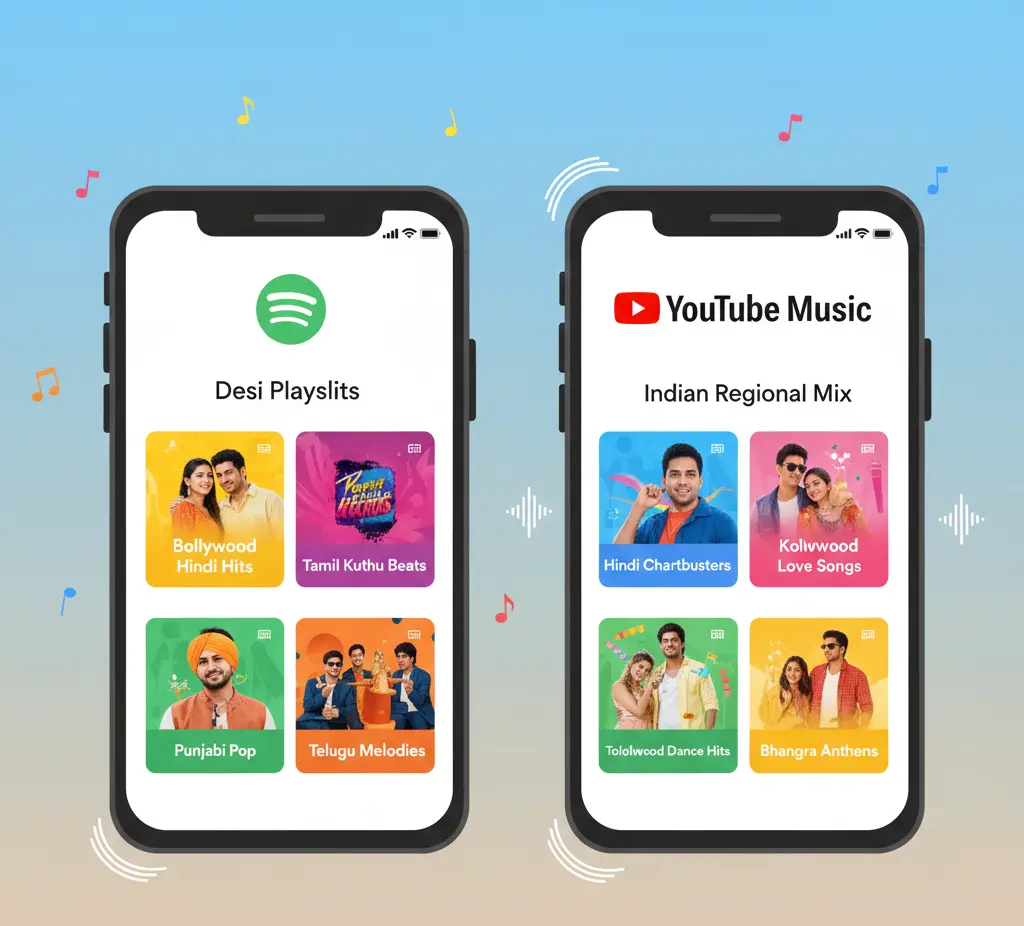
YouTube Music offers Hindi, Tamil, Telugu, Punjabi, and other local playlists. Spotify has regional playlists, too, but YouTube Music often shows trending Indian songs first.
Trending Playlists:
- Bollywood Top Hits
- Indie and Regional Hits
- Festival Playlists (Diwali, Holi, etc.)
Extra added: Festival playlists, India-focused trending songs.
YouTube Music vs Spotify Audio Quality and Features
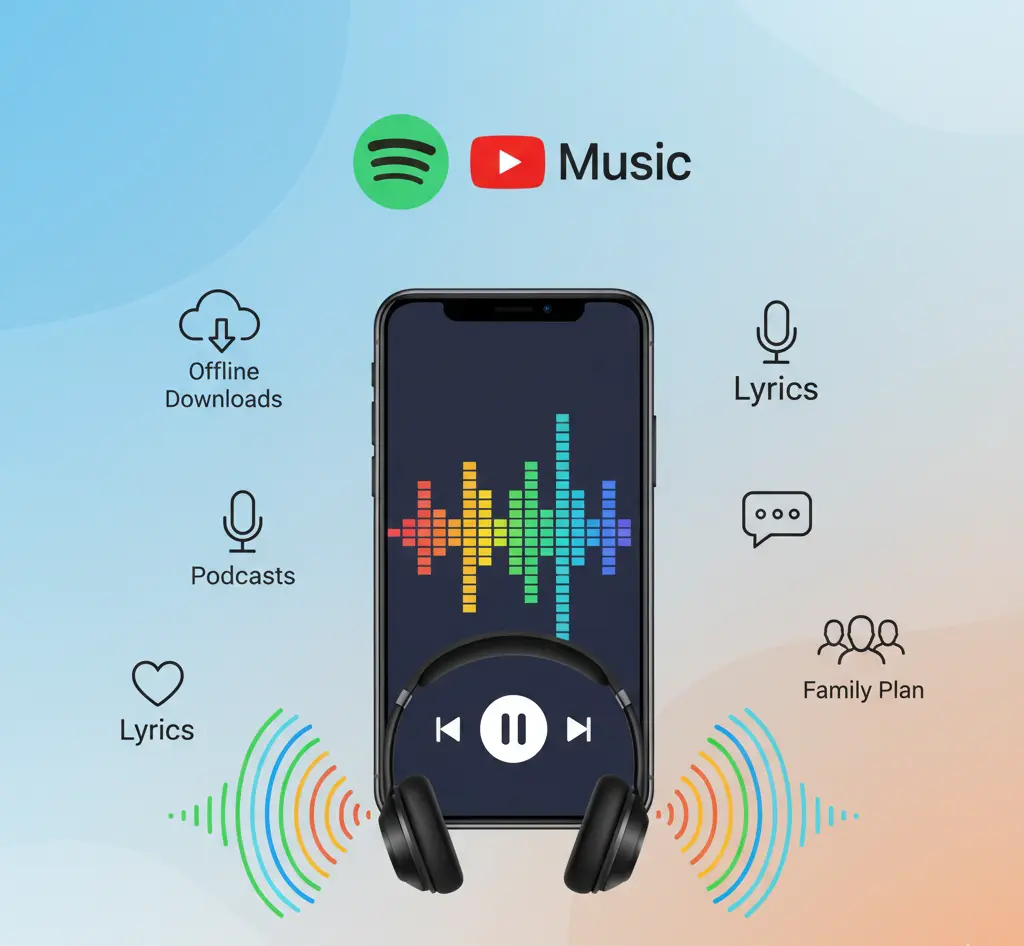
Spotify streams up to 320 kbps. YouTube Music streams up to 256 kbps.
Spotify Features:
- Equaliser and crossfade
- Offline listening
- Group sessions and collaborative playlists
- Audiobooks library (small, in India)
YouTube Music Features:
- Background video plays
- Lyrics display
- Offline mixtape (auto-downloads songs you like)
Both apps work well offline in India. You can save your songs and playlists to your phone.
Extra added: Offline mixtape, audiobooks, and group session emphasis.
User Interface and Design
Spotify has a dark, sleek interface focused on music. YouTube Music has a lighter interface and mixes videos with songs. Switching between music and video is smooth. Both apps are easy to use, but Spotify feels cleaner for many users.
Extra added: Emphasis on video + music switching, India user experience.
Discovery and Recommendations
Spotify is strong at music discovery. Playlists like Discover Weekly, Daily Mix, and Release Radar adapt to your taste. YouTube Music recommends songs based on YouTube watch history.
Many users feel Spotify’s playlists are more personal. YouTube Music is better if you want trending Indian songs.
Extra added: Focus on India-specific recommendations.
YouTube Music vs Spotify Podcasts and Extras
Spotify has a large podcast library and some audiobooks. Many shows are in English and Hindi. YouTube Music has fewer podcasts but focuses on music videos and live performances.
If you like podcasts, Spotify is the better choice.
Extra added: Highlighted Hindi podcasts and audiobooks.
Offline Listening Experience
Both apps allow offline downloads. You can listen without the internet. YouTube Music’s offline mixtape automatically downloads your favourite songs. Spotify lets you manually download playlists and albums. Offline playback works well even on slow networks in India.
Extra added: Low-data network emphasis.

Who Should Pick Which?
Choose Spotify if you want:
- Personalised playlists and music discovery
- Large podcast library and audiobooks
- Collaborative playlists and group sessions
Choose YouTube Music if you want:
- Lower cost and YouTube Premium bundle
- Access to remixes, live versions, and videos
- Trending Indian and regional songs
Extra added: Direct ICP-based recommendations for students, casual listeners, and audiophiles.
Common User Views in India
Many users say YouTube Music has a wider variety of songs, including unofficial mixes. Spotify is liked for its clean interface and personalised playlists. Offline features like Spotify downloads and YouTube Music offline mixtape are both praised.
Extra added: India-specific perception emphasis.
Frequently Asked Questions (FAQ’s)
Conclusion
After months of testing YouTube Music and Spotify across different cities and devices in India, my experience is clear: Spotify is unbeatable for music discovery, podcasts, and collaborative playlists, making it perfect for users who love exploring new music. YouTube Music works best for trending regional songs, Bollywood hits, and watching music videos while listening, plus its offline mixtape saves data during commutes. These insights come from real, hands-on experience, not theory, so you can trust this advice to pick the right app for your lifestyle without wasting time or money.